Pushytap logoPushytap™
Contact Sales

Site CCTV & remote guarding

Pushytap Overwatch

Your clients' cameras. Your patrols, dispatch and response.

Add virtual patrols and remote guarding to the sites you already protect. Connect your clients' existing CCTV to Pushytap Command so your dispatchers can check an alarm, direct a guard and document the response in one place.

PUSHYTAP COMMAND
ILLUSTRATIVE SITE · 02:14 AM
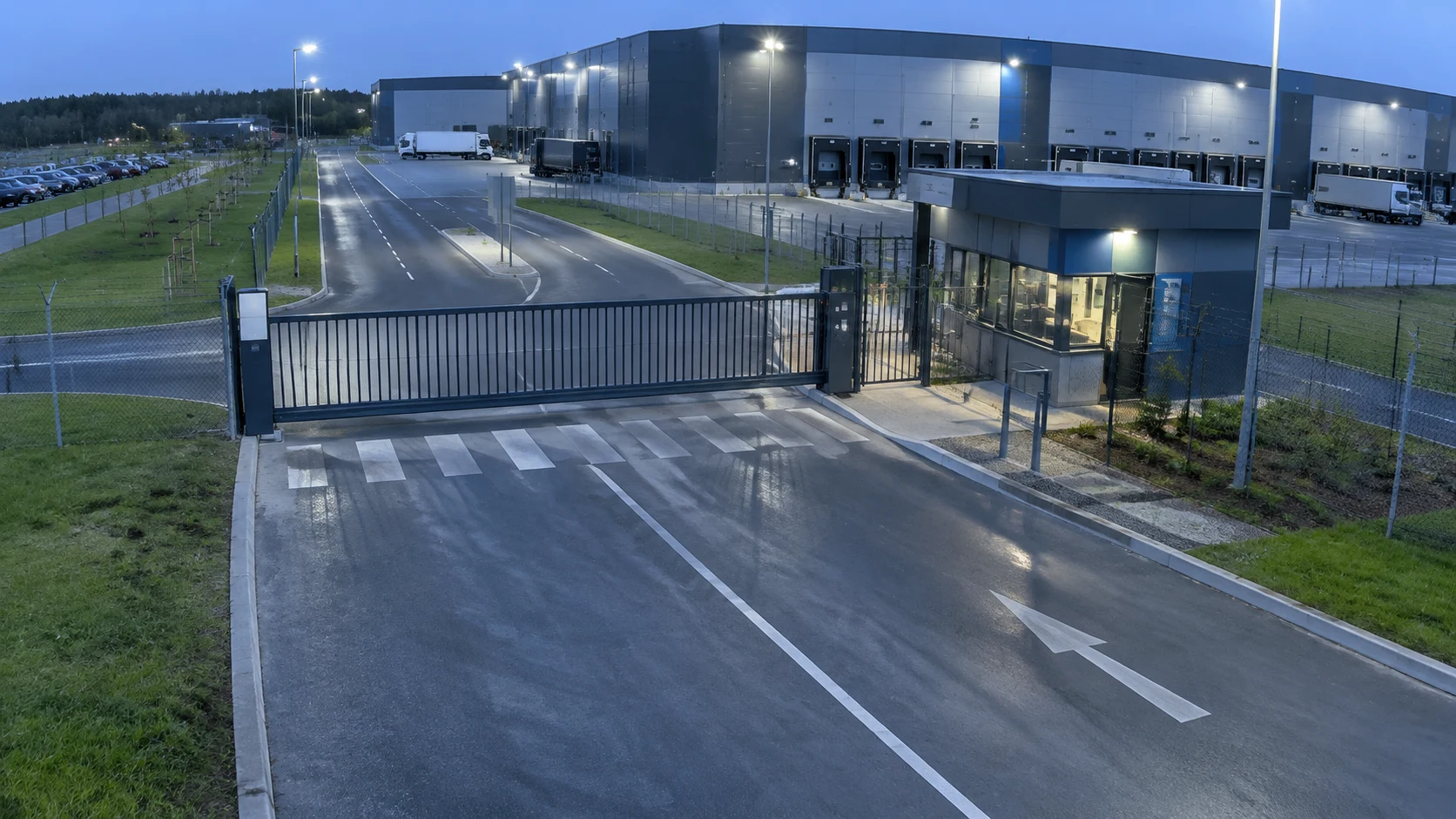
Fixed CCTV view of an industrial campus entrance
North Gate · 01LIVE
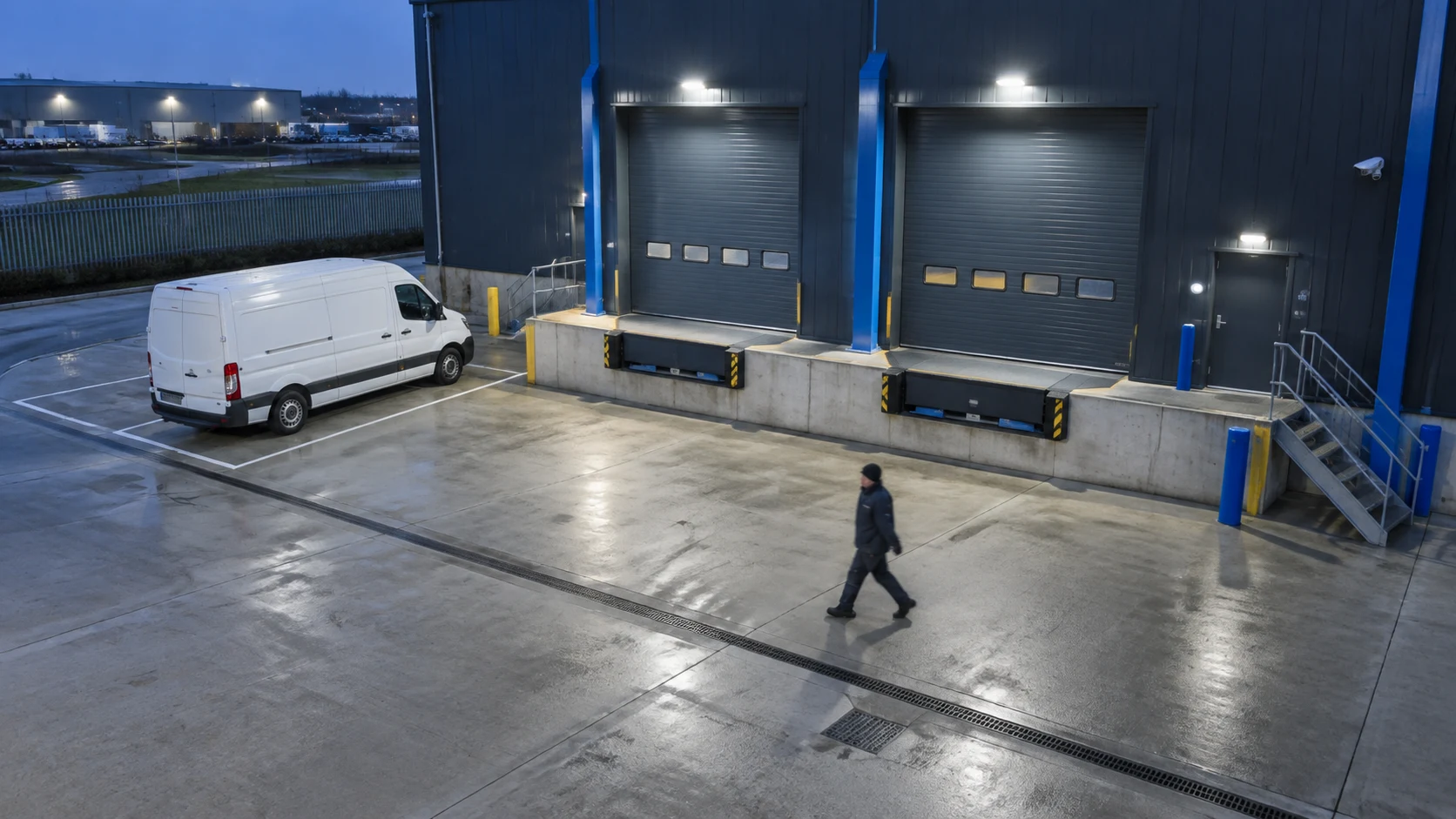
Loading dock CCTV view with a person crossing the apron
Loading Dock B · 02LIVE
HUMAN DETECTED
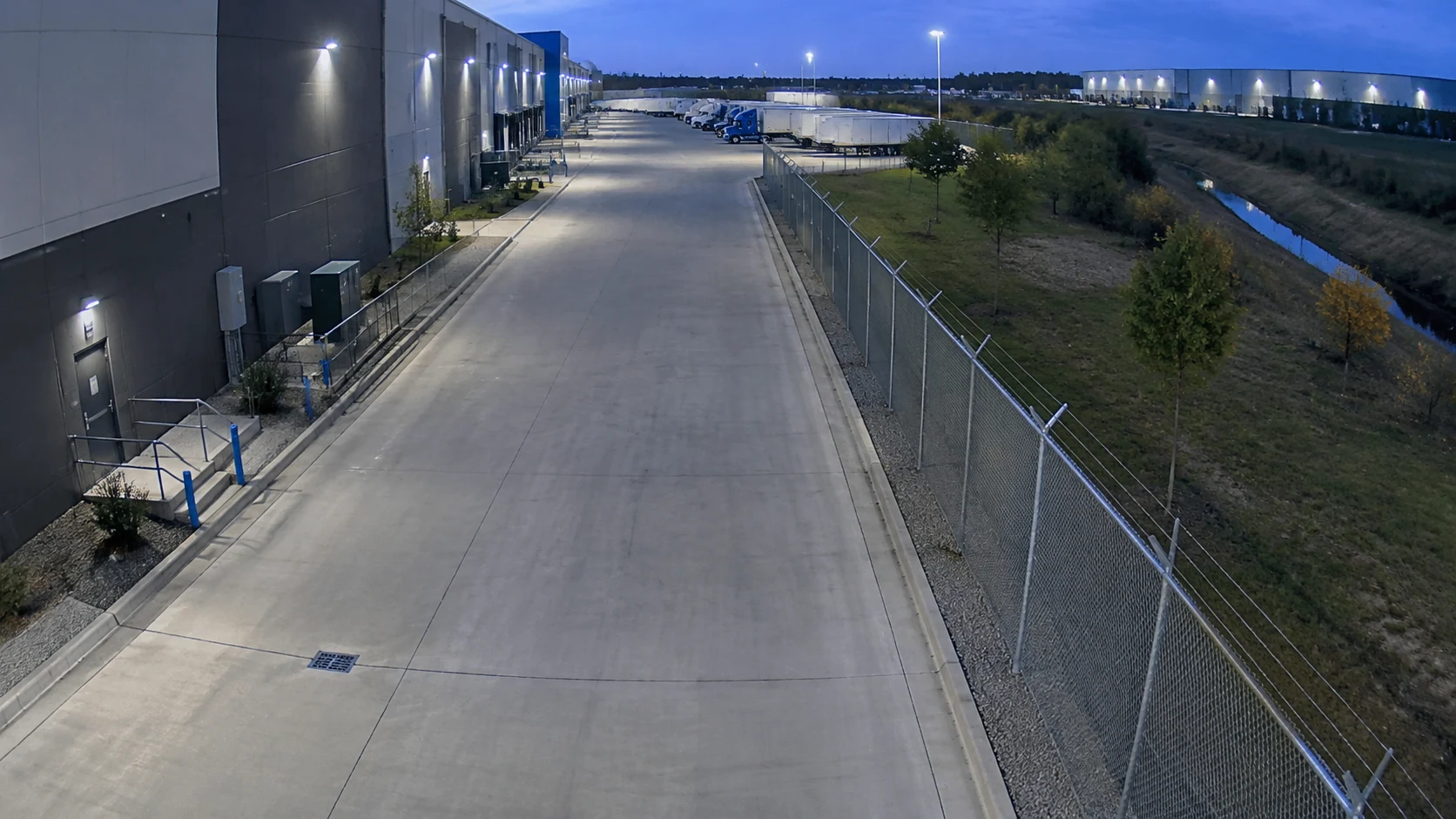
Fixed CCTV view along a warehouse perimeter fence
Perimeter East · 03LIVE
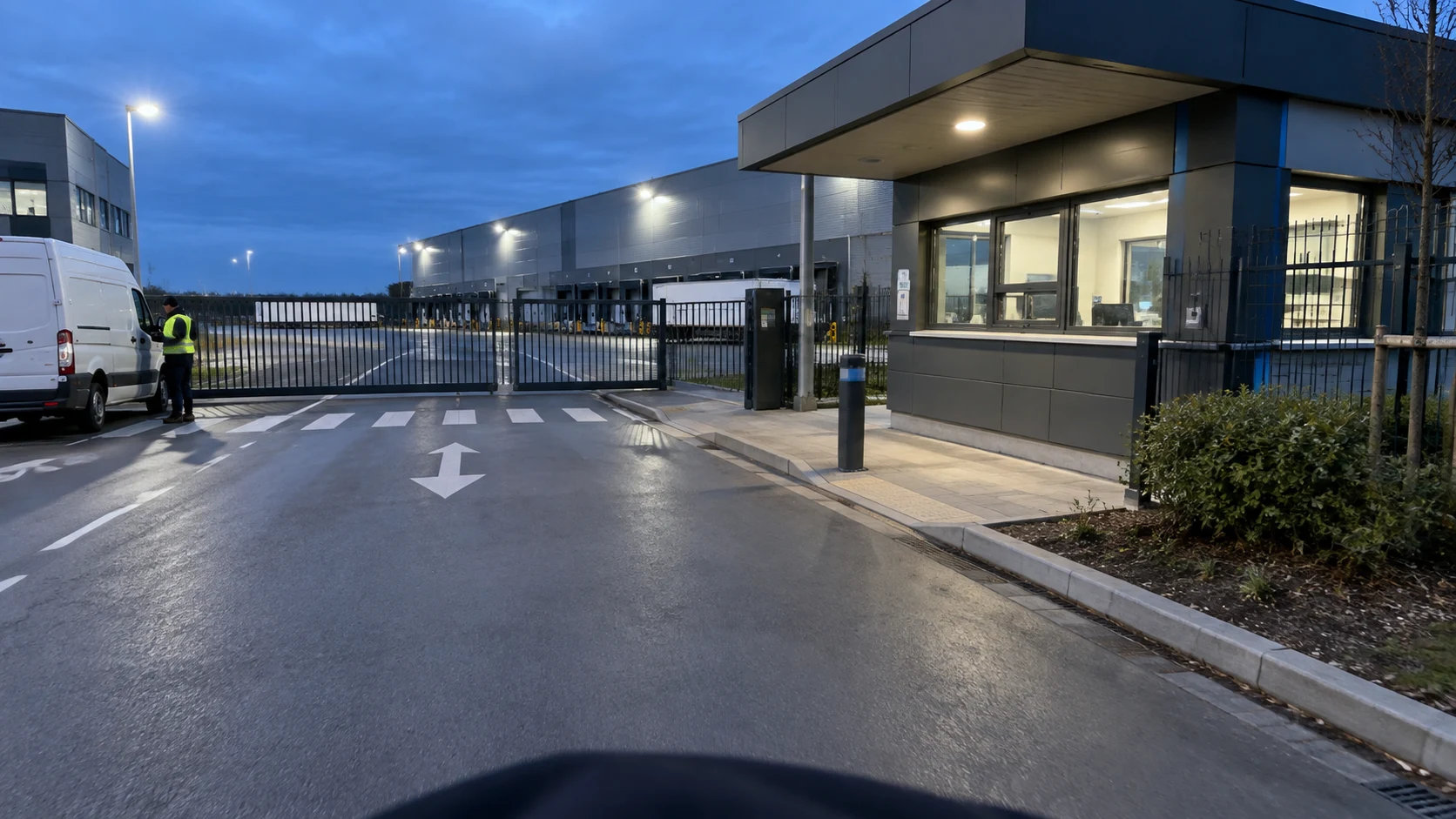
Body-camera perspective approaching the campus gatehouse
Guard Bodycam · 04LIVE

Pushytap NEO · North Campus Night Shift

Sub-100ms PTT · 48ms sample

Camera & NVR interfacesHikvisionDahuaAxisHanwha VisionUniviewAvigilonONVIFRTSP

Expand your guarding contracts

Make remote guarding part of the contract.

Offer camera tours, alarm response and continuous monitoring alongside your on-site guarding. Give your dispatchers and assigned guards access to the cameras they need, and give your clients a record of the work you carried out.

01

Sell scheduled virtual patrols

Build camera tours into the service agreement. Your dispatchers follow PTZ presets, complete site checklists and capture verified snapshots. Clients can review completed tours in the Pushytap Client Assurance Portal.

CAMERA TOUR · 8 CHECKPOINTS

02

Cover a post while relief travels

When a guard calls in sick, keep eyes on the site while you arrange relief. Set up temporary camera monitoring on the Gap Board and dispatch a mobile rover. Your team can track the interim coverage and handover together.

GAP BOARD · ROVER EN ROUTE

03

Quote a continuous watch

Pin the feeds that matter for a 24/7 monitoring contract. Keep operator vigilance logs for client review, and let your dispatchers focus a feed in HD when they need a closer look.

VIDEO WALL · COVERAGE LOG

From camera alert to site response

Check the alarm. Send the right response.

Wake the camera when it matters

Use the NVR's human, vehicle, line-crossing, licence-plate and obstruction events. Smart-Wake starts the live stream in under a second and retrieves the preceding 10 seconds from the local recorder.

0 kbps idle video → alert → live + pre-roll

Camera access follows the shift

Give your guards access to their assigned site's cameras during a shift or alarm response. Their access ends with the assignment, and the NVR credentials stay off their phones.

ON SHIFT · POST 04 · ACCESS GRANTED

Look before leaving the vehicle

Give your responding guard a view of the gate and loading dock before they approach. They can check the assigned feeds in the Pushytap app without waiting for dispatch to describe the scene.

DISPATCHED · LOADING DOCK B

PTZ control and site talkback

Let your operators inspect the site with PTZ presets or manual pan, tilt and zoom. Movement stops when they release the control. They can address an intruder through a supported horn speaker and stay in contact with your guards through Pushytap NEO.

PTZ PRESET 2 · TALKBACK · PTT

Know when recording is at risk

Get camera obstruction, offline feed and NVR disk alerts in your response queue. Notify your client and document the fault so your team can follow up before a recording is needed.

CAMERA HEALTH · NVR STORAGE

AI events, pre-roll, PTZ and talkback depend on the NVR, camera, firmware and enabled interfaces. Idle video bandwidth excludes the bridge's control and health traffic. We review these details for each site.

Your existing video system

Already running a VMS? You may not need another appliance.

Keep the video system your clients already use. Where its interfaces and network access allow, connect Overwatch through software on your existing infrastructure instead of installing a separate hardware bridge at each site.

Milestone XProtect offers this route through its Open Network Bridge. For other systems, we scope the connection against your edition, licences, available video and event access, and IT requirements.

Genetec Security Center

Security Center SDK

Scope a software connection to your video and events through the SDK. Developer access, licensing and the media integration determine the deployment.

Genetec Security Center developer information

Avigilon Unity Video

Unity developer APIs & SDKs

Review your Unity edition and developer access for a software connection. Live video, playback and event access need to match your monitoring requirements.

Avigilon Unity Video developer information

Wisenet WAVE

Server HTTP API & SDK

Use the WAVE server's video, event and PTZ interfaces to scope a software-only connection on your existing infrastructure.

Wisenet WAVE developer information

Nx Witness

Server REST API

Use the Nx server's video and system APIs to scope a software-only connection, with access controlled by your network and server permissions.

Nx Witness developer information

Vendor interfaces are integration routes, not a claim of certified partnership. A software-only connection may still need a connector service on an approved server. We confirm live video, playback, events, PTZ and talkback separately for your system before quoting a deployment.

Connecting directly to an NVR?

The mini-PC Overwatch Bridge connects locally to your recorder and keeps inbound access closed. It suits sites without an accessible VMS integration, or where IT requires a dedicated appliance.

Hikvision · Dahua · Axis · Hanwha Vision · Uniview · Avigilon

ONVIF · RTSP · Manufacturer interfaces

Choose for the site, not just the brand.

Send us your VMS or recorder model, software version and the cameras you need to monitor. We'll review the software route first, then identify any site hardware needed.

Review my video system

Brand listings do not establish procurement eligibility. For US and other restricted contracts, check the exact equipment, OEM and contract requirements, including the FCC Covered List and applicable NDAA restrictions.

The hardware route · Direct NVR connection

Connect the NVR without exposing it to the internet.

When your site needs a dedicated bridge, connect it to your client's NVR network and approved internet uplink in about 10 minutes. Their recorder keeps running, and your team gets camera access through Pushytap without sharing recorder passwords.

Your client's NVR

Keep your client's cameras and local 24/7 recording. Connect the bridge to their CCTV network through its dedicated NVR port.

Hikvision · Dahua · Axis · Hanwha Vision · Uniview · Avigilon · ONVIF

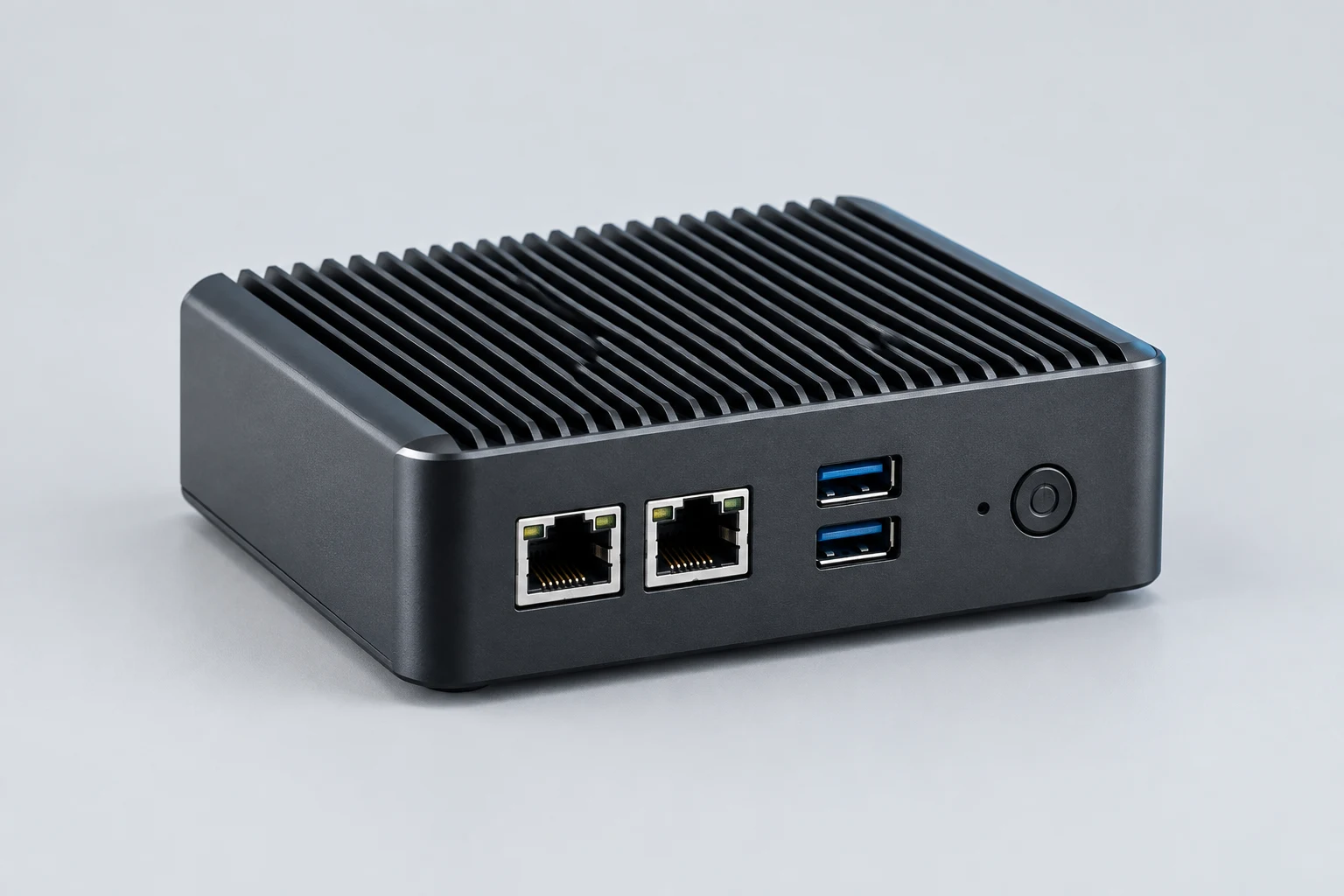
Compact charcoal mini-PC bridge with dual Ethernet ports and a finned metal chassis

Pushytap Overwatch Bridge

The bridge reads your client's NVR locally and opens an encrypted outbound connection. Their IT team does not need to expose the recorder to the internet.

Your response team

  • Pushytap Command
  • Mobile patrol app
  • Pushytap Client Assurance Portal

Give your dispatchers and assigned guards access through one NVR connection. Separate NVR and WAN/LTE ports keep your client's CCTV network isolated.

One appliance per site

16, 32 or 64+ channels, with Intel QuickSync hardware acceleration. Channel capacity is scoped to the NVR and monitoring mode.

Separate network ports

Dedicated 2.5GbE NVR port and WAN/LTE uplink keep the isolated CCTV VLAN separate from internet-facing access.

Locked-down software

Read-only Linux OS, TPM 2.0-protected credentials and a default-deny inbound firewall.

Ready to install

A pre-flashed Pushytap Overwatch Bridge. Purchase outright or add a monthly hardware rental.

Setup time assumes the NVR credentials, supported interfaces and site uplink are ready. An isolated CCTV network still needs the bridge's approved outbound WAN connection.

One incident, both perspectives

See what your officer sees, and what surrounds them.

When your officer raises an SOS at the gatehouse, your dispatcher sees the nearby CCTV feed alongside Pushytap Tactical Video. See the encounter from the officer's camera and check the wider scene for anyone approaching.

Keep both views with your incident report. Integrity checks, device signatures and custody records help your team review the evidence and account for how it was handled.

Explore Pushytap Tactical Video
SOS · NE Entrance GatehouseIllustrative incident · Unit 14
Body-camera perspective approaching the campus gatehouse

Pushytap Tactical Video · Officer camera

Loading dock CCTV view with a person crossing the apron

Pushytap Overwatch · Site CCTV

Two views attached to the same incident

Post-linked camera response · SHA-256 integrity checks · ECDSA P-256 signatures · Evidence and custody records

Choosing your monitoring system

Will it work with the way you run your sites?

You need more than a clear picture. Check whether a system connects your clients' existing recorders to dispatch, assigned guards and client reporting, without adding another set of logins to manage.

ApproachWhat to checkPushytap Overwatch
Guard-tour softwareLive CCTV, alarm handling and camera access tied to shiftsCamera tours, assigned-post access, radio response and client proof
Cloud camera serviceExisting NVR support, camera replacement and per-camera feesKeep your clients' cameras and local recording
Manufacturer NVR appWho holds credentials and how access ends after a shiftRecorder logins stay off guards' devices; camera permissions follow assignments
Central monitoring VMSMobile guard access, workforce coverage and client reportingDispatch, Gap Board, patrol app and Client Assurance Portal

Site subscriptions

Match monitoring to your site contracts.

Choose alert-driven video and scheduled tours, or keep your priority cameras streaming around the clock. Combine both at the same site.

MODE A · EVENT-DRIVEN

Smart-Wake & Virtual Patrols

$99/ site / month

  • 16 NVR channels · unlimited AI triggers
  • 60 active stream hours per month
  • 10s NVR pre-roll, virtual tours and PTZ
  • SOS camera response and shift-bound access
Discuss this site package

MODE B · CONTINUOUS WATCH

4-Camera Perimeter Pack

$279/ site / month

  • 4 perimeter cameras pinned 24/7
  • 12 remaining cameras on AI Smart-Wake
  • 1080p HD focus and motion-adaptive bitrate
  • Gap Board virtual post and vigilance logs
Discuss this site package
More cameras, longer monitoring hours
ExpansionPrice (USD)Billing
Additional 16-channel NVR block · Mode A$49per month
One pinned 24/7 continuous channel$79per channel / month
One overnight channel · 18:00–06:00$45per channel / month
8-camera 24/7 site wall pack$499per site / month
16-camera full 24/7 site wall pack$899per site / month
Pushytap Overwatch Bridge · purchase$399one-time
Pushytap Overwatch Bridge · rental$35per month

All continuous-watch packs include virtual monitoring posts, operator vigilance logs and HD focus. Site subscriptions and any required bridge hardware are priced separately; software-only VMS deployments do not require a bridge purchase or rental. VMS licensing and connector deployment are scoped with your site. Use Overwatch with your Professional or Enterprise field operations plan. We'll review your client's video system, connection and recording requirements before you choose a package.

Before connecting a site

Your Overwatch questions, answered

Will my clients need new cameras?

Keep your clients' existing cameras. Overwatch can connect through a software-only VMS route or through the site bridge for direct NVR access. Send us the VMS or NVR model, software version and required camera functions so we can scope the connection.

Can I connect without an Overwatch Bridge?

Yes, where your VMS interfaces and network permit a software-only deployment. Milestone XProtect provides a route through its MIP interfaces. Genetec Security Center, Avigilon Unity Video, Wisenet WAVE and Nx Witness also provide developer interfaces that we review for your site. Edition, licences, video and event access, and connector hosting determine whether a separate bridge is needed.

Does Overwatch replace local recording?

No. Your existing recorder or VMS continues recording. Overwatch brings selected feeds, alerts and pre-event clips into the response workflow while leaving the site's recording system in place.

Can my guards view site cameras on their phones?

Your guards can view their assigned post's cameras in the Pushytap app while on shift or responding to an alarm. Access ends with the assignment, so you do not have to share NVR logins.

How does Smart-Wake differ from a video wall?

Smart-Wake starts the video stream for an alert or active patrol, rather than continuously transmitting idle cameras. A video wall keeps selected cameras streaming for a continuous watch. A site can use both modes.

Is CCTV included in the free trial?

The standard free trial covers Pushytap Professional field operations. Overwatch site subscriptions and any required bridge hardware are separate. Book a video integration demo to review your cameras, VMS, connectivity and monitoring package.
Start with one client site

Put your first client site on Overwatch.

Tell us which cameras and video system your client uses and how you cover the site. We'll review the software or bridge connection and monitoring package with you, from scheduled tours to a continuous watch.